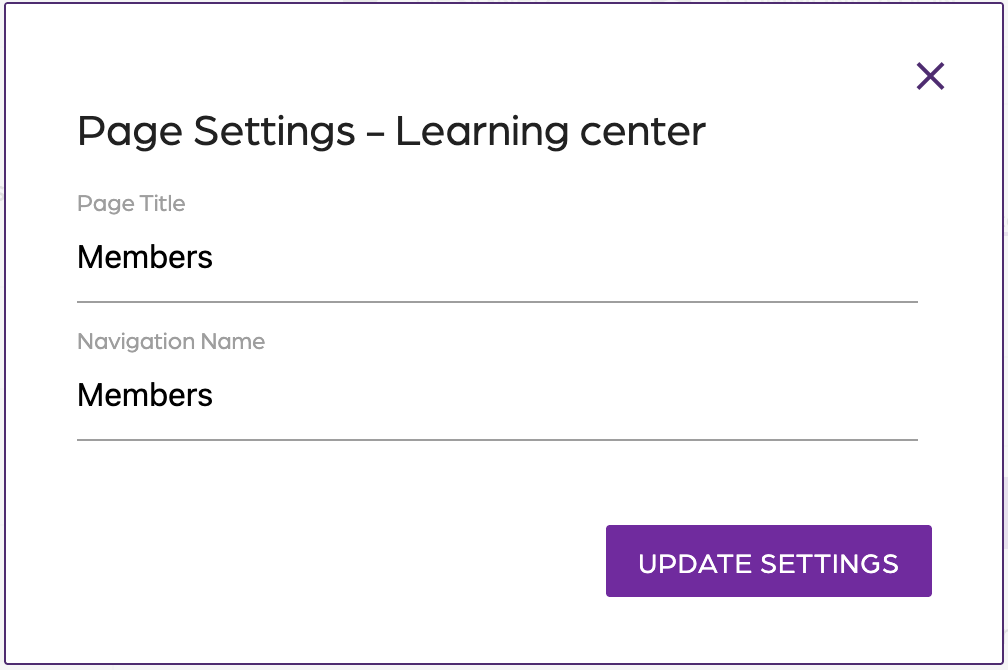
Membership Portal Settings
These settings are to control what pages your users can see and the details on each one.
Step 1: Enable or disable
- Log in to the application.
- Click on “Development”.
- Click on “Membership Portal”.
- Go to “Settings”.
- In the left panel, toggle off or on the pages you are interested in.
Step 2: Edit each page's settings
- Click on the gear option
Login
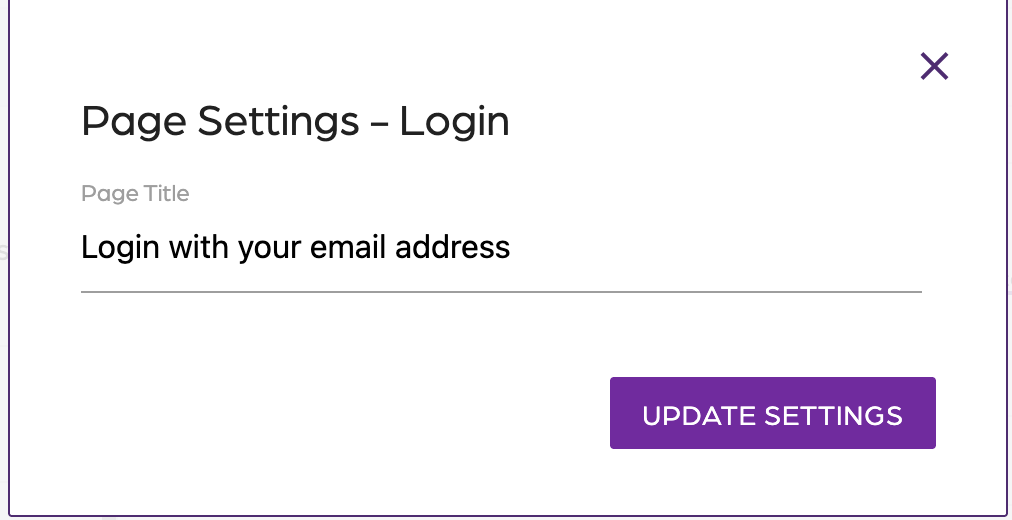
Verify email
- Follow the Update verification email steps
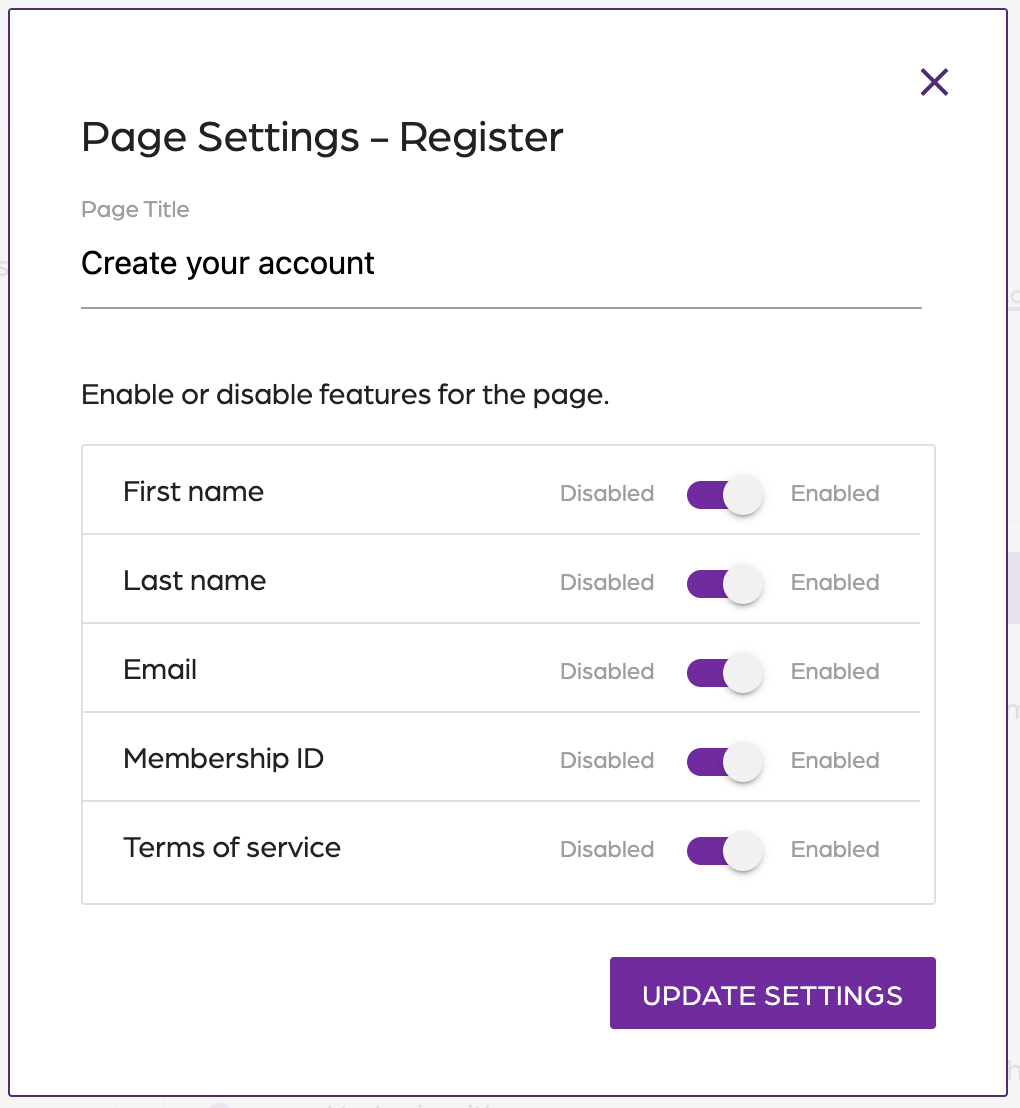
Register
- Toggle on or off the features you want in the Register page
Account lookup
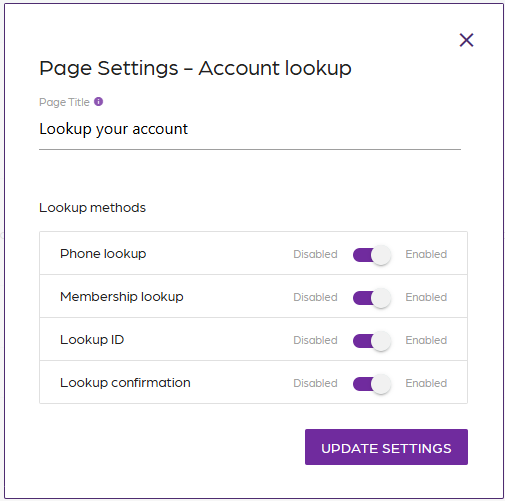
Account look up options
- Email (required)
- Phone lookup
- Membership lookup
- Lookup ID
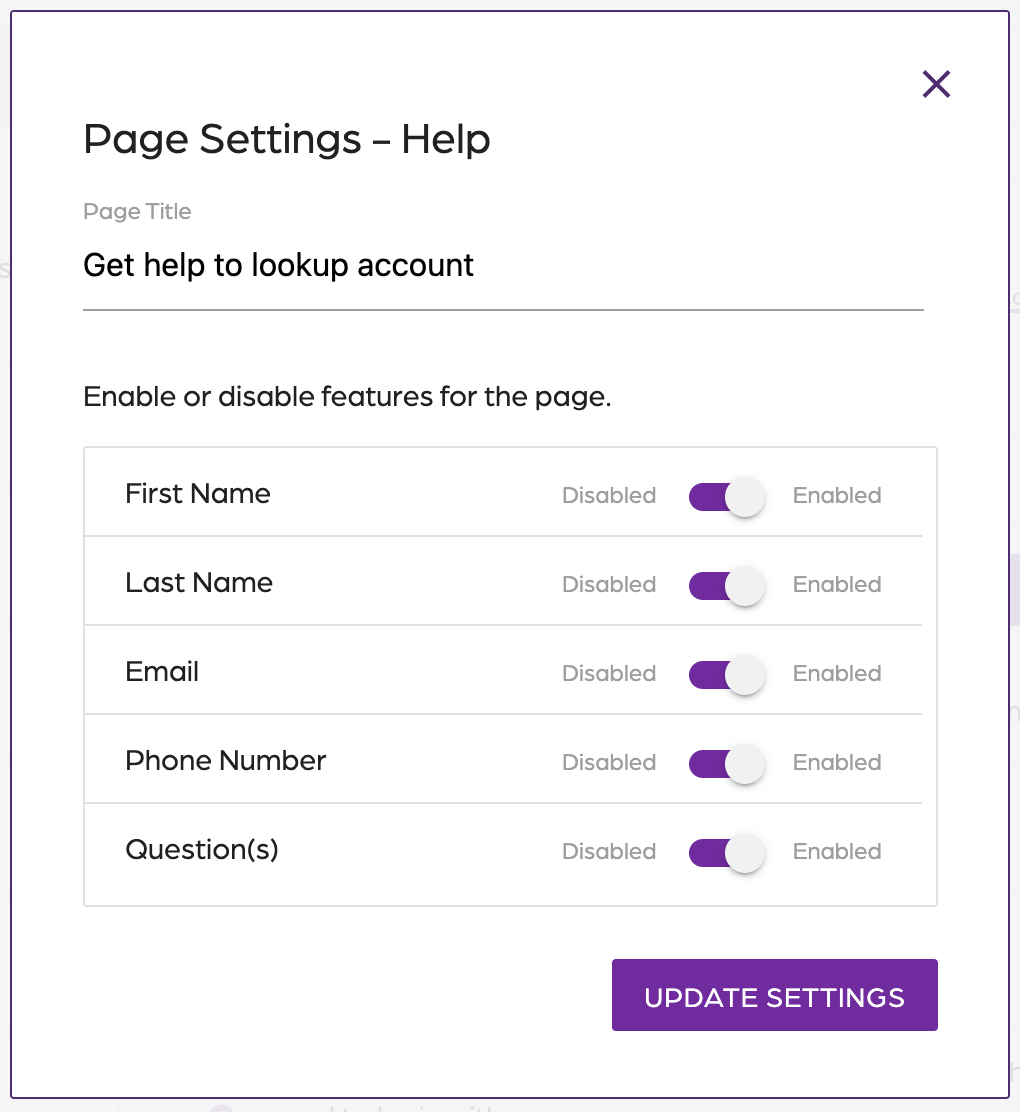
Help
- Toggle on or off the features you want in the Help page
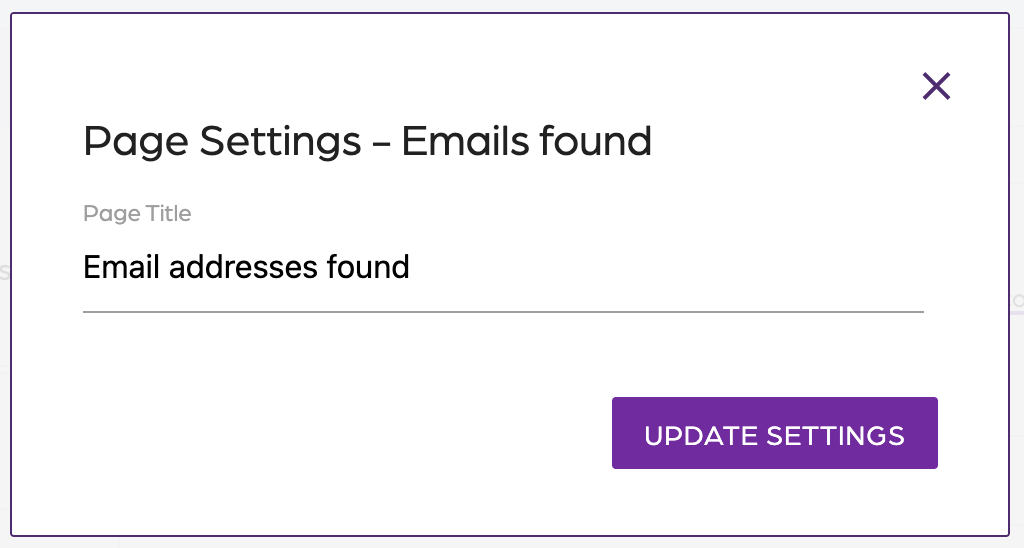
Emails Found
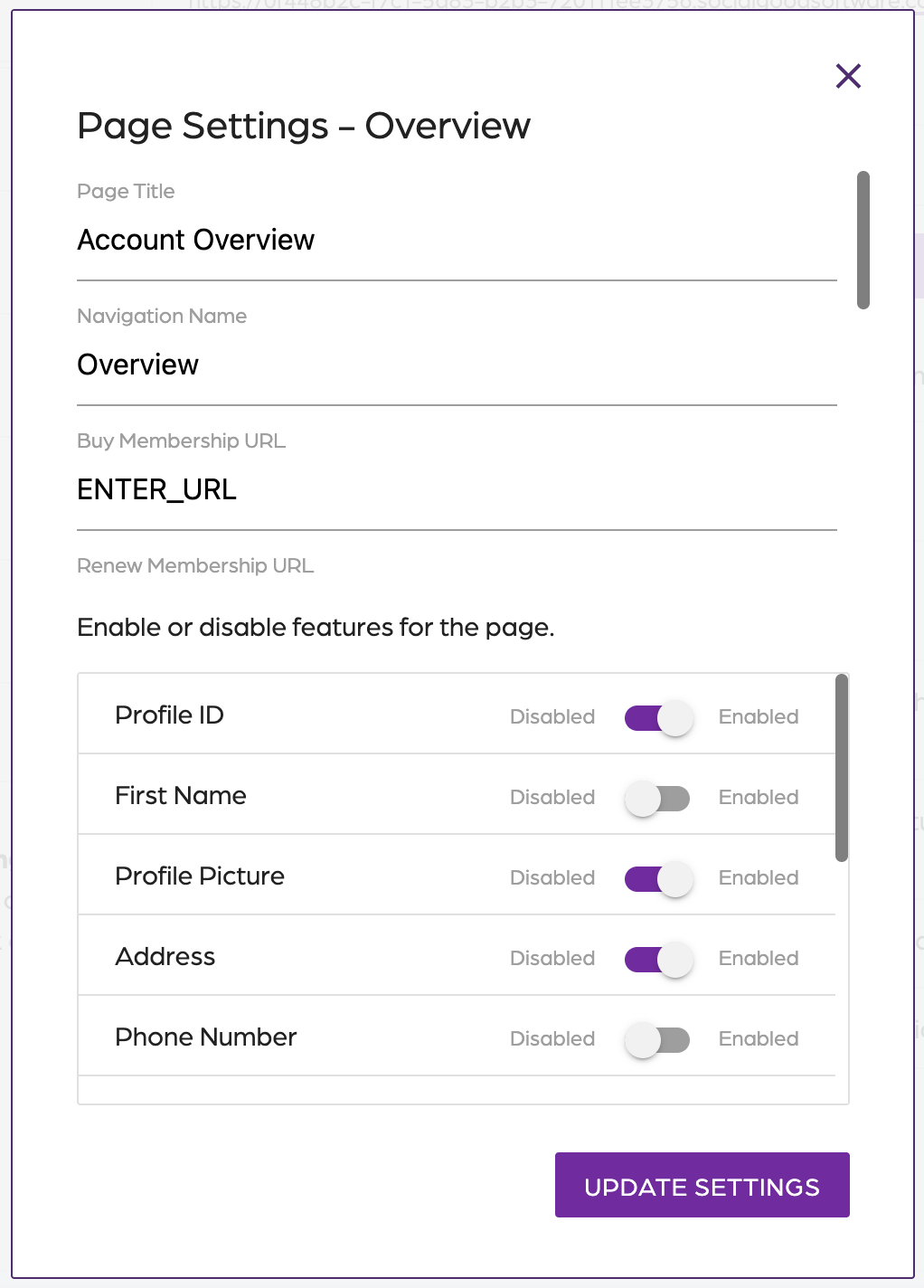
Overview
- Add the New, Renew, and Active Membership URL if needed
- Toggle on or off the features you want in the Overview page
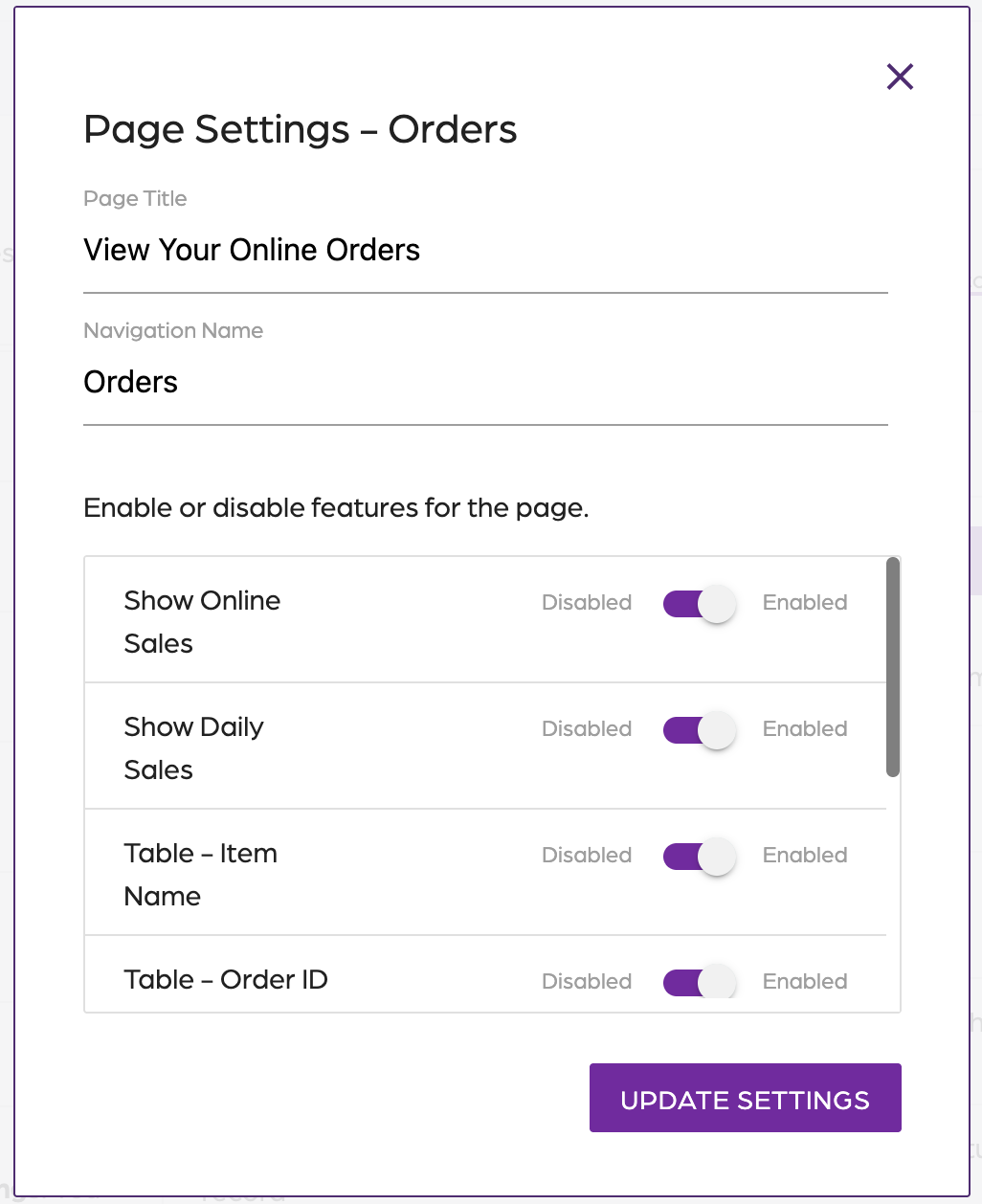
Orders
- Toggle on or off the features you want in the Orders page
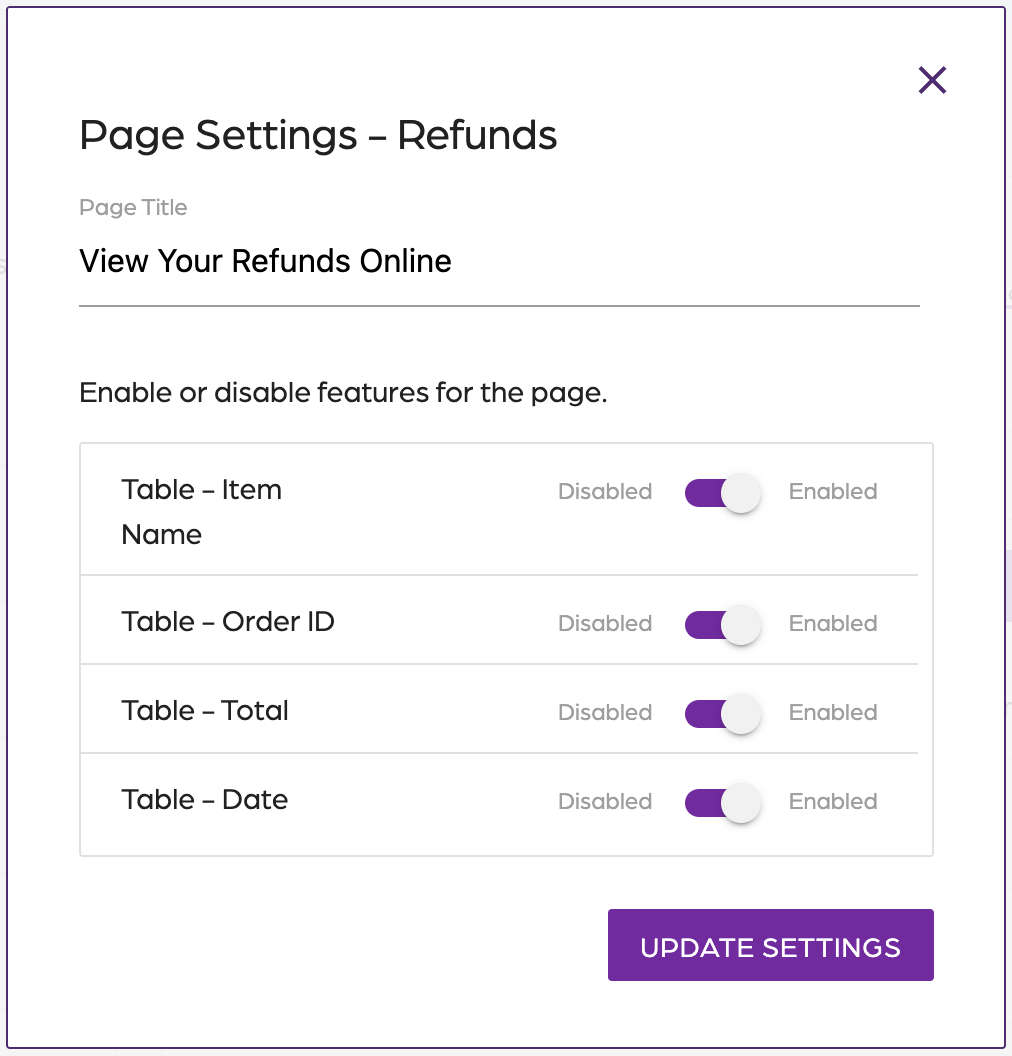
Refunds
- Toggle on or off the features you want in the Refunds page
Membership
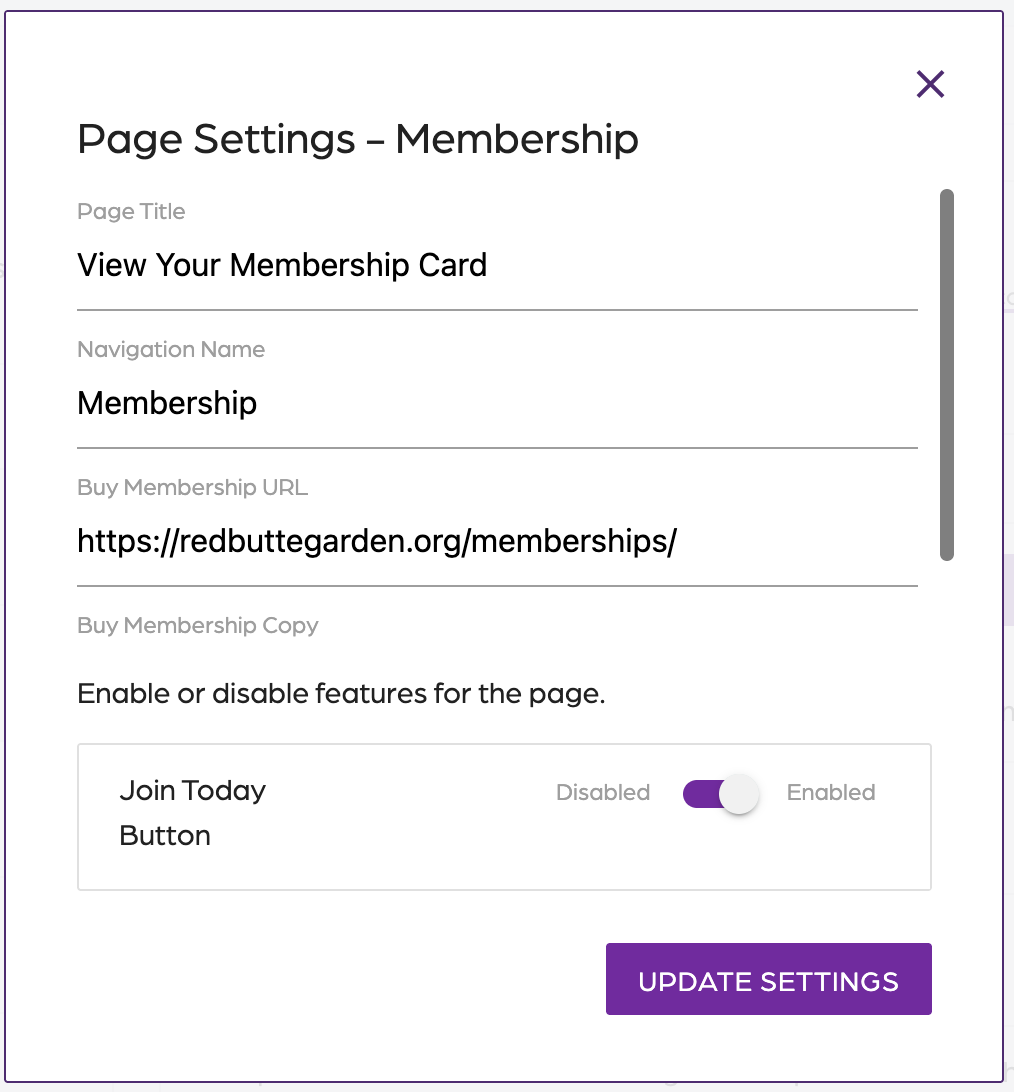
- Add the New Membership URL, if needed
- Toggle on or off the features you want in the Membership page
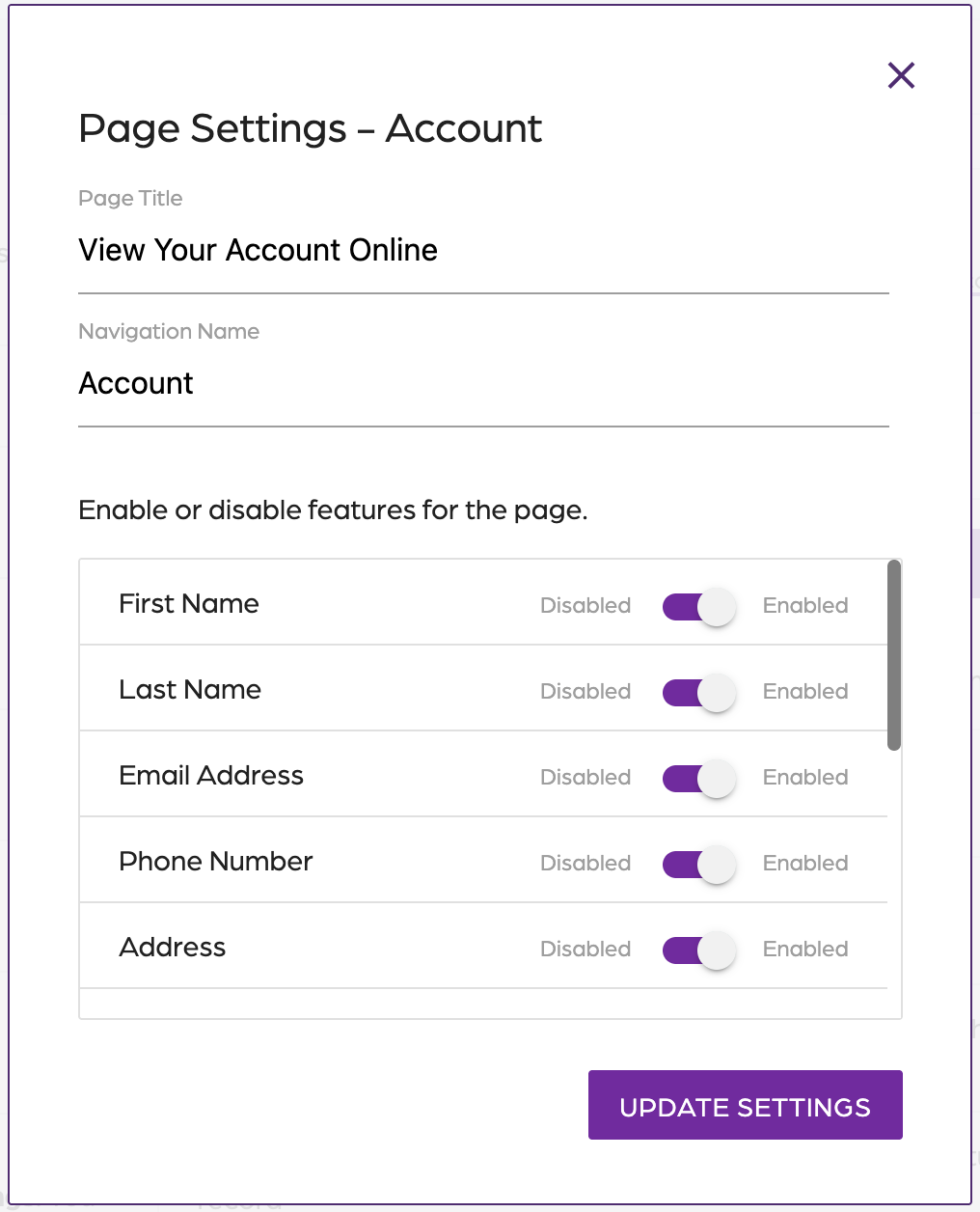
Account
- Toggle on or off the features you want in the Account page
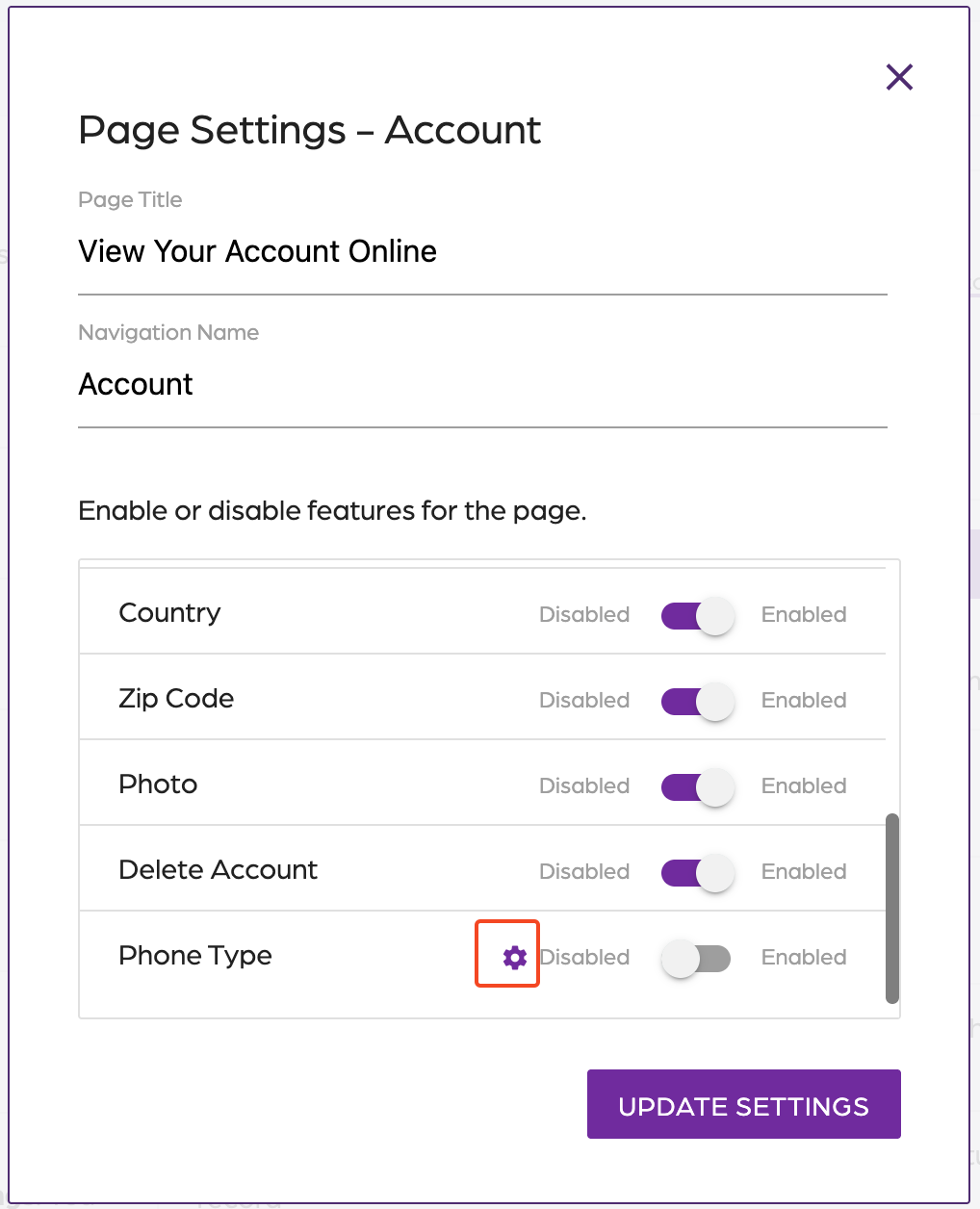
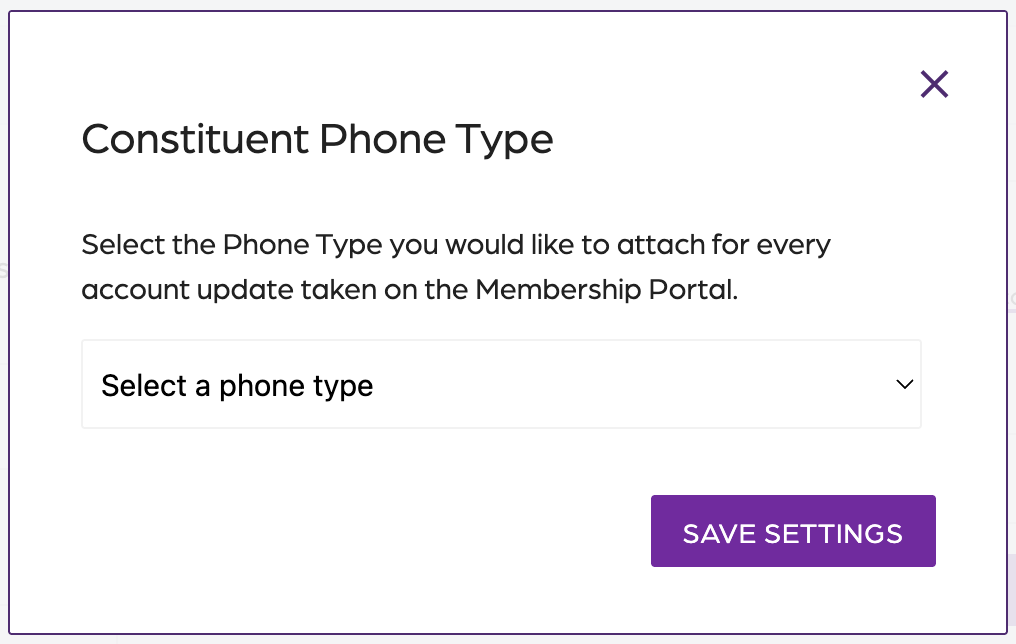
- In the phone type, click the gear icon and “Select a phone type”.
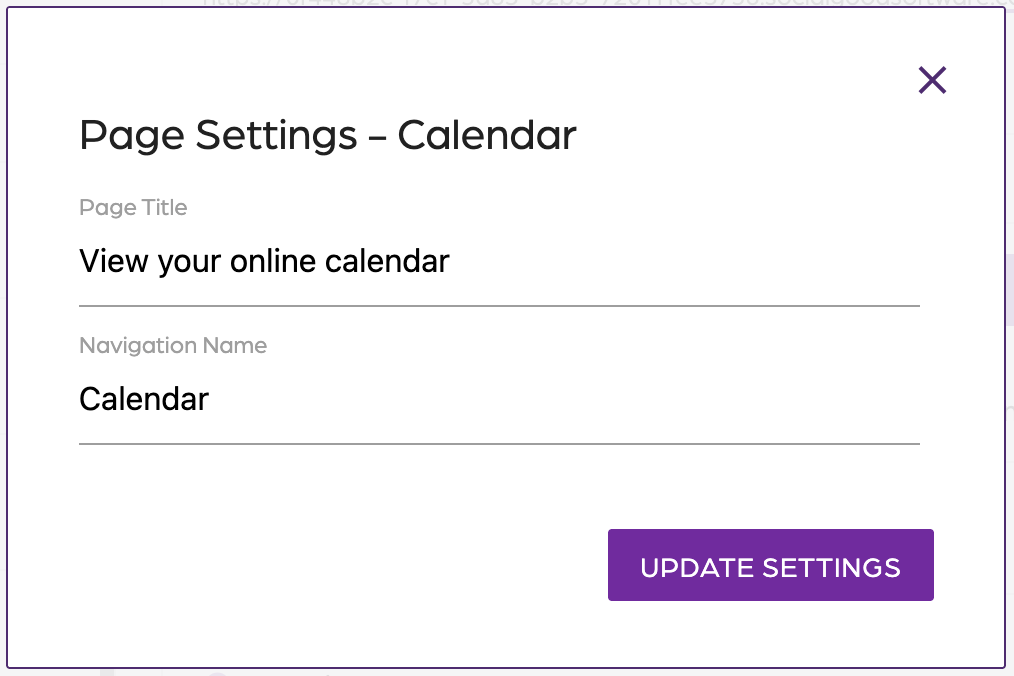
Calendar
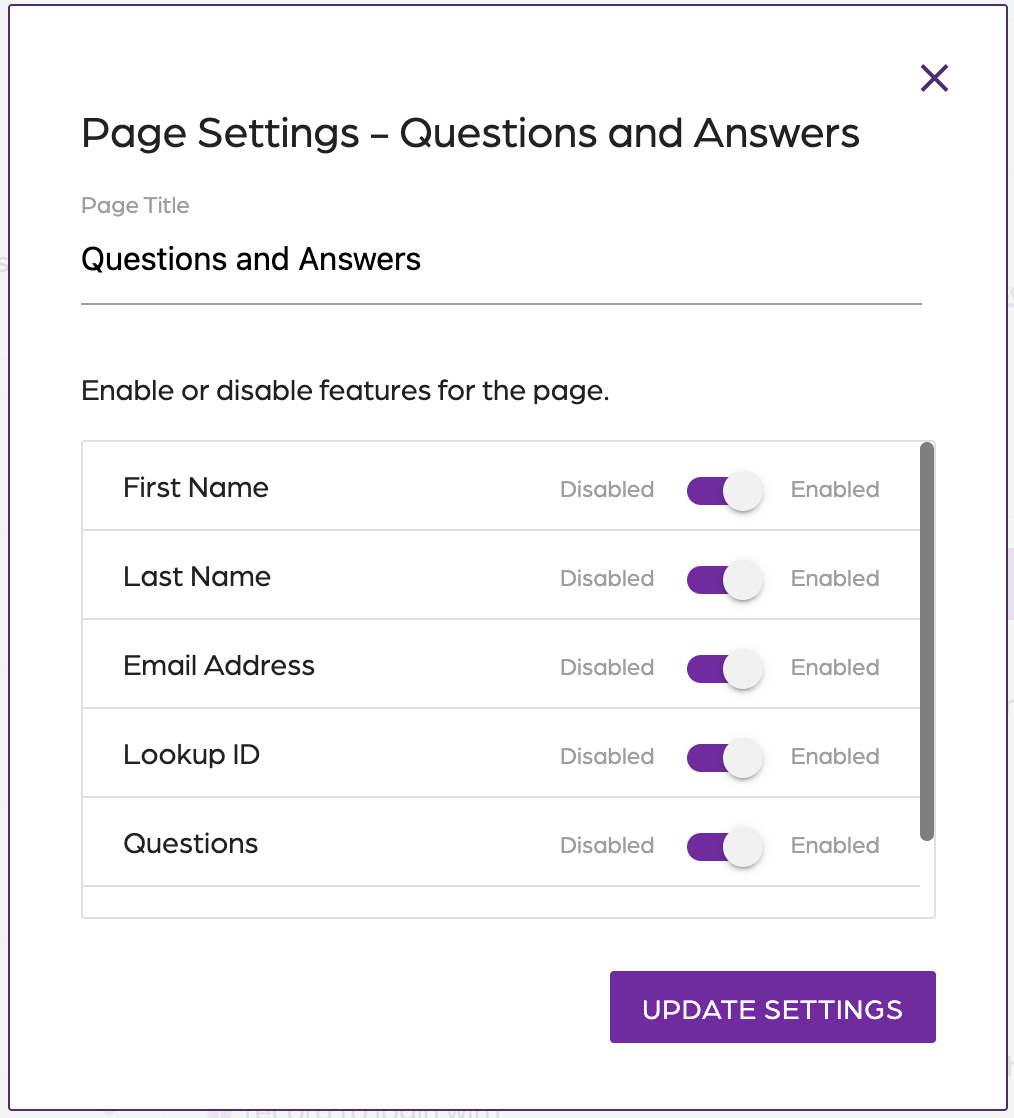
Questions and Answers
- Toggle on or off the features you want in the Questions and Answers page
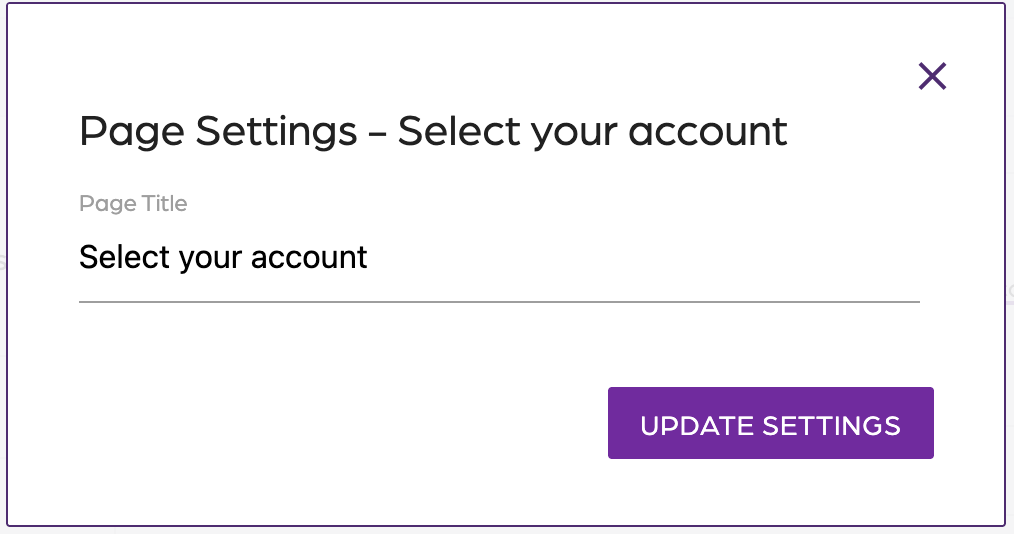
Select your account
Gallery