
Update verification email
It is important to note that your domain must be verified, including any subdomain used for the Membership Portal, to complete this process.
Step 1: Access settings
- Log in to the application.
- Click on “Development”.
- Click on “Membership Portal”.
- Click on the “Settings” tab.
Step 2: Add a new domain name
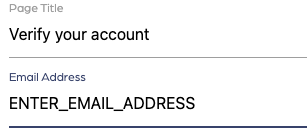
- Under the “Membership Portal settings” section, scroll to “Verify email”.
- Click on the gear icon.
- Enter your domain name into the email address field.
- Click on “Update settings”.