
Add a purchase membership link
Step 1: Locate the link to purchase a membership
- Go to the website.
- Click on membership.
- Click on purchase.
- Copy the URL.
- Save the URL to the clipboard.
Step 2: Setting up the option with no membership
- Click on “Development”.
- Click on “Membership Portal”.
- Click on “Settings”.
Step 3: Locate overview
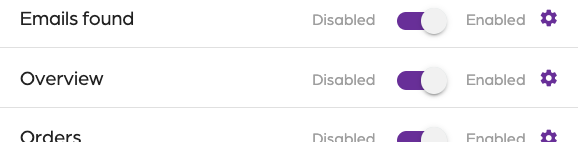
- In the left navigation, locate “Overview”.
- Click on the gear icon.
Step 4: Add label
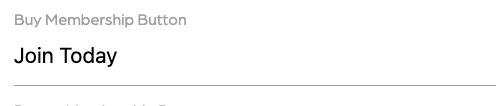
- Locate the label for “Buy Membership Button”.
- Adjust the label as needed.
Step 5: Add a link
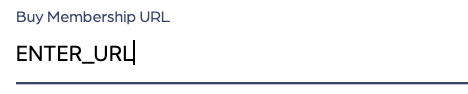
- Locate the link for “Buy Membership URL”.
- Paste the link from your clipboard from step 1.
Step 6: Save settings
- Click on “Update settings”.
- Wait a few seconds for the settings to save.