
Resending bulk emails from Designer
Step 1: Locate email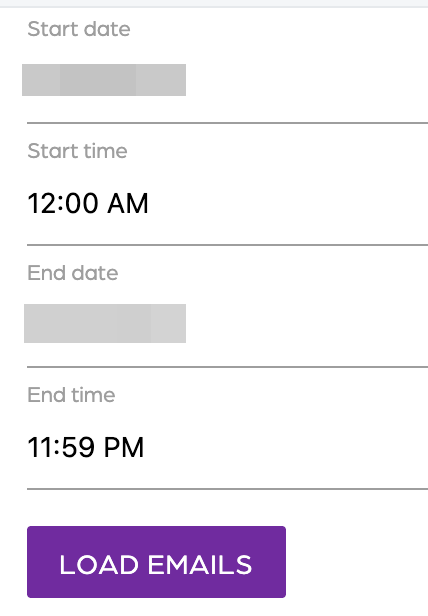
- Click on “Activity”.
- Click the “Resend Email” button
- Select a start date.
- Select a start time.
- Select an end date.
- Select an end time.
- Click on the “Load emails” button.
Step 2: Bulk resend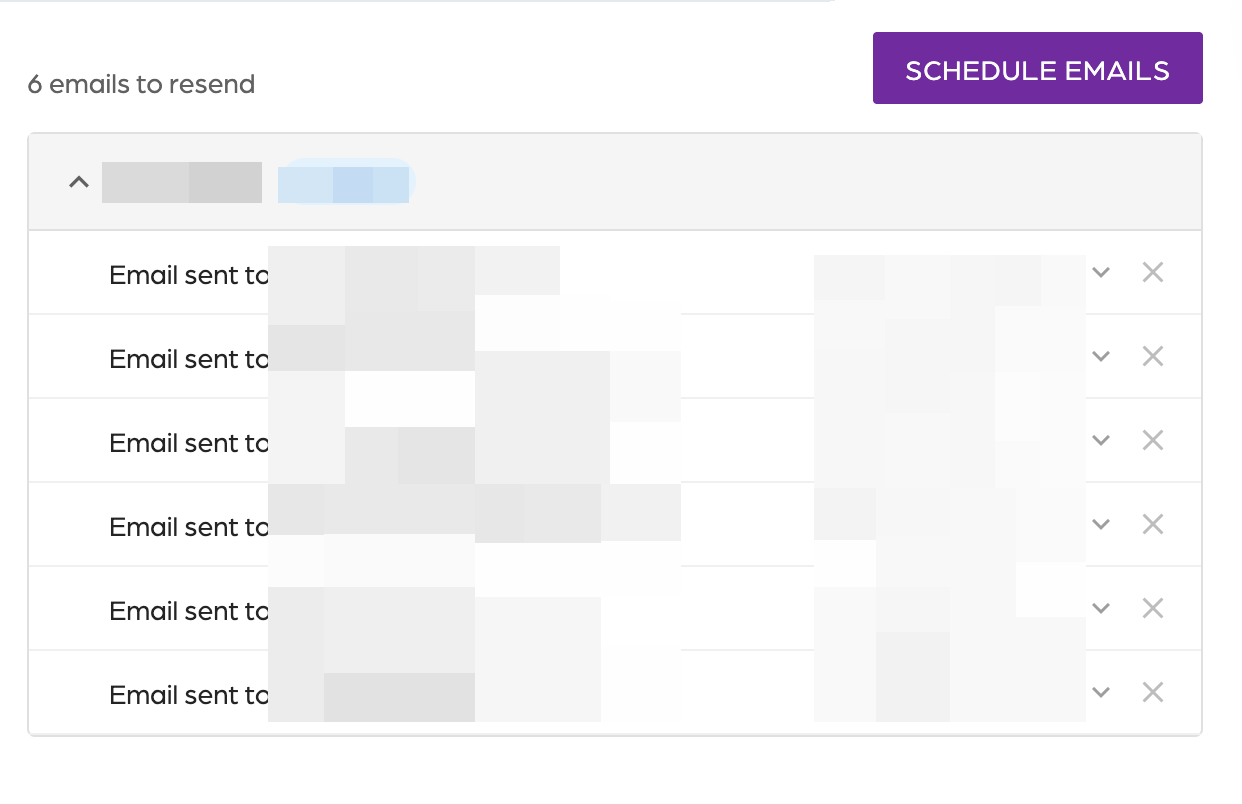
- Review the emails.
- Validate if all emails need to be sent.
- Use the upside down icon to review the email.
- Click on the cross to remove the email.
- When ready, click on the “Schedule emails” button.
- The selected emails will be sent in the next 5-10 minutes.
Additional Email Designer support articles can be found at our Knowledge base.