
Resending a bounced email
If an email is bounced. Correcting the email in Altru will not trigger the ticket email from the Email Designer. To send the corrected email through the Email Designer, follow these steps:
Step 1: Update the email address
- Update the email address on the constituent record in Altru.
- Update the delivery email address on the sales order to reflect the corrected email address.
- Note the day of the sales order, as it’s needed in step 2.
Step 2: Locate the invalid email
- Open the email in the Email Designer.
- Click on “Activity”.
- Select the date the email was sent
- Search with the invalid email address.
Step 3: Resend the email
- Click on “Resend email”
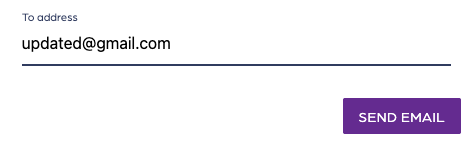
- Click on “Send email”
- Correct the email address
- Click on “Send Email”