
How to send test emails
This process will allow you to validate the email functionality.
Step 1: Open the email settings
Step 2: Disable the “Start sending emails?” setting

Step 3: Open the “Preview” tab
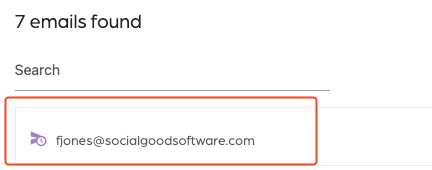
Step 4: Select any email
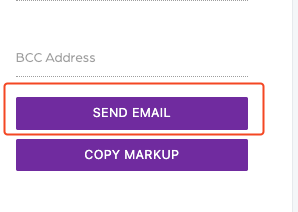
Step 5: Press “send email”
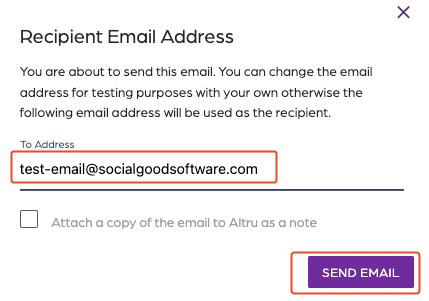
Step 6: Edit the “To address” email field with the email you want to send the test and press ”Send”
Step 7: If the email looks correct, please Enable the “Start sending emails?” setting
