
Delete a calendar
Step 1: Open your calendar
- Click on “Calendar Builder”.
- Select your calendar.
Step 2: Delete calendar
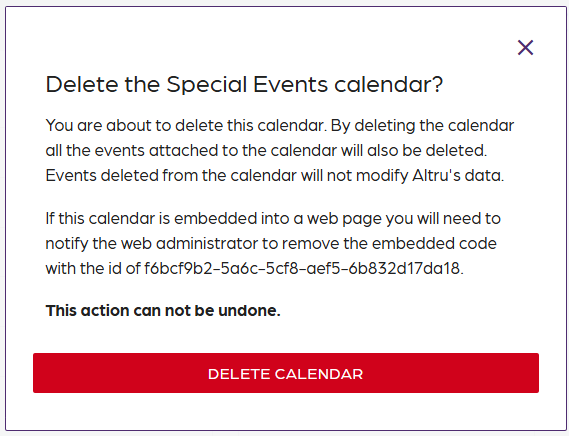
- Click on "Settings"
- Click on the red trash can icon.
- Click on “Delete Calendar”.
Delete a calendar
67452223faffbb5b3516494b
6745d5b6faffbb5b35164aaf
"\n**Step 1: Open your calendar**\n\n- Click on “Calendar Builder”.\n- Select your calendar.\n\n**Step 2: Delete calendar**\n\n\n\n- Click on \"Settings\"\n- Click on the red trash can icon.\n- Click on “Delete Calendar”.\n\nW> Once a calendar is deleted, this action cannot be undone. Inform all relevant parties that the calendar was deleted, and remove the embeds from websites and integrations. (Outlook, Google Calendar)\n\n"