
Resending an email from Designer
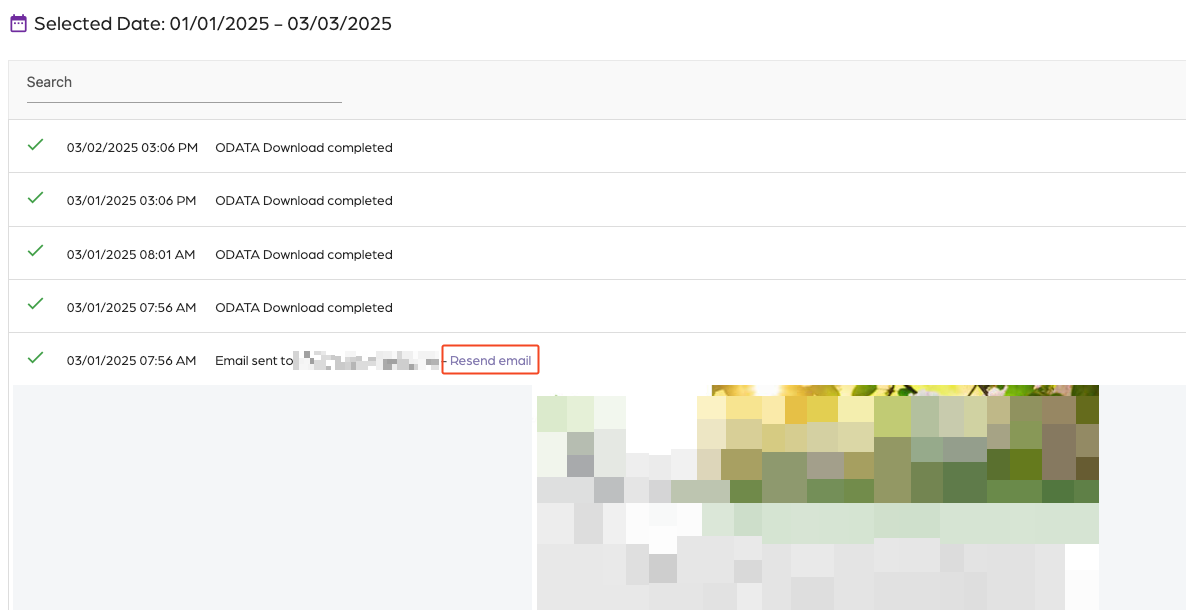
Step 1: Locate email
- Click on “Activity”.
- Click the calendar icon.
- Select a date.
- Search for the email.
- Click on the “Resend email” link.
Step 2: Resend
- Click on “Send email”.
- Adjust the email address.
- Click on “Send email”.
Additional Email Designer support articles can be found at our Knowledge base.