
Preview tab
The preview tab will display the emails according to the data pulled from the query, this will provide an idea of the amount of emails, and you can preview each one according to the design that was modified in the “Designer” tab.
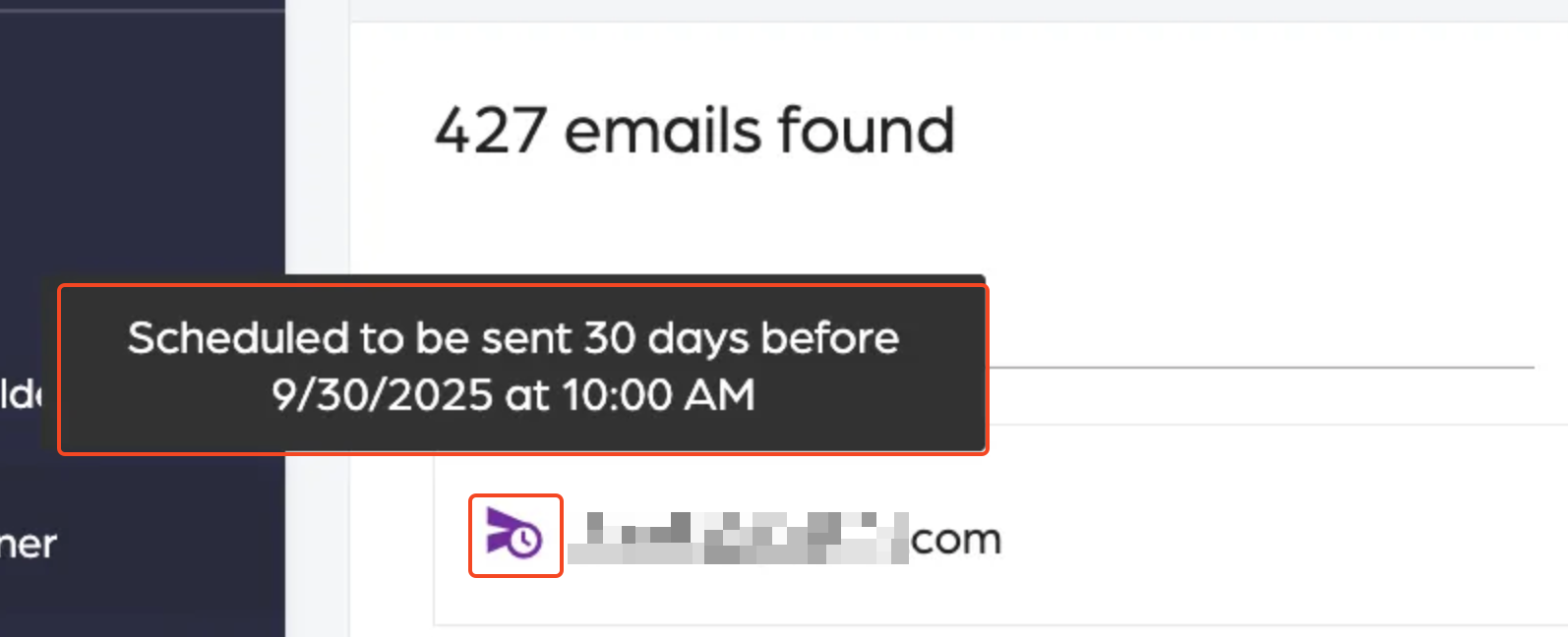
Send icon:
This indicates that an email is scheduled to be sent based on the settings. When hovering over the icon, it displays sending details.
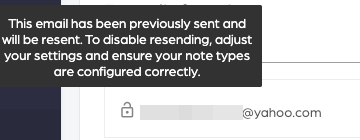
Lock:
This indicates an email was previously sent and will not be sent again.
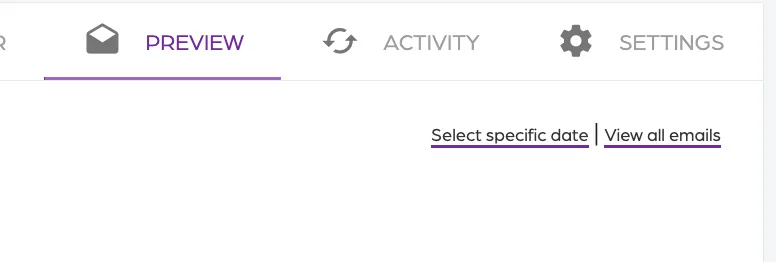
Date selector:
This feature is enabled only for “Relative to date” emails, which allows you to select a specific date or a data range. As well as, view all emails.
Additional Email Designer support articles can be found at our Knowledge base.