
Tags
Tags are a user-friendly way to organize and filter your emails inside of Email Designer.
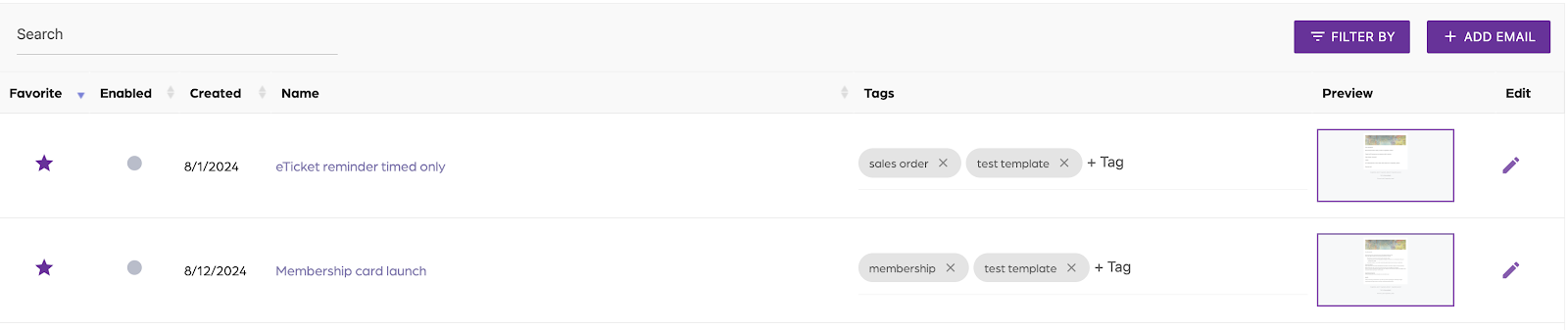
Add a tag
- Locate the email you want to tag.
- Click on “+Tag”.
- Enter the tag name.
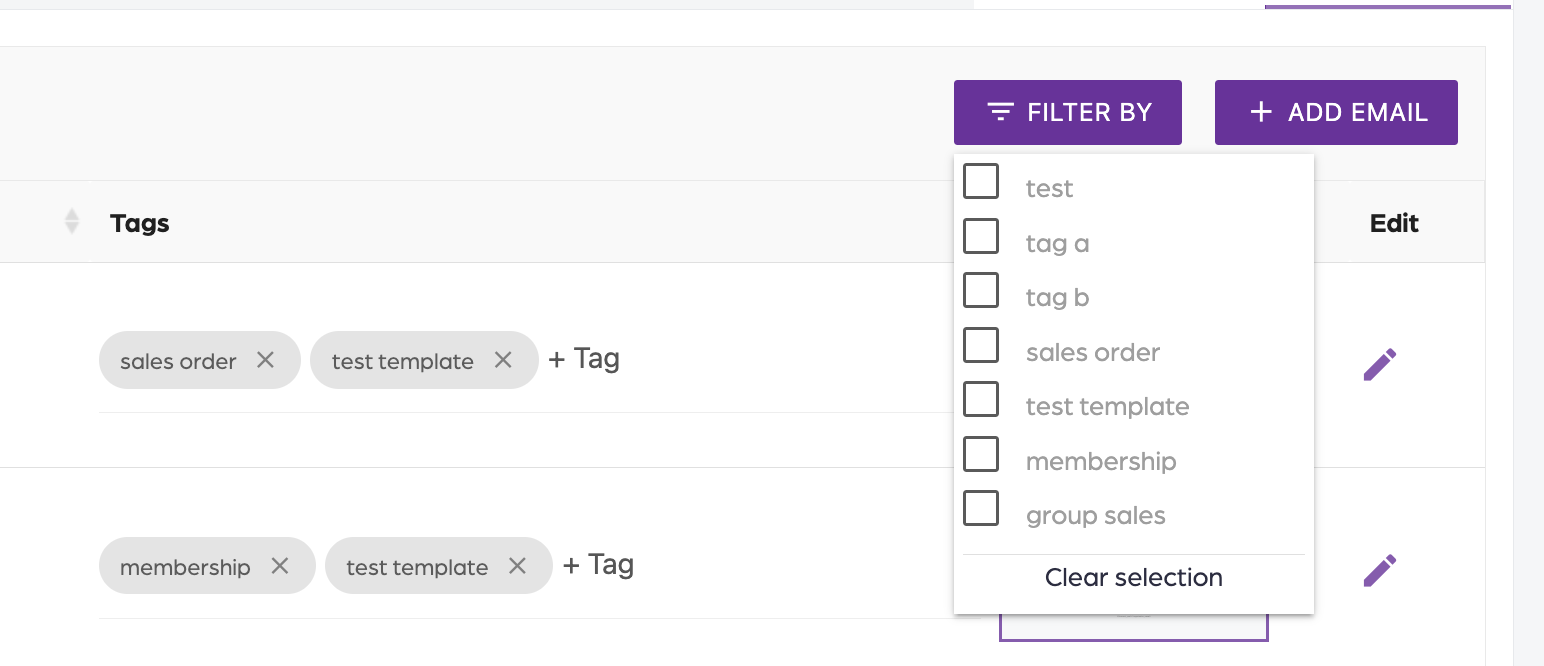
Filter by tag
Click “Filter by”.
Select one or more tags.
Additional Email Designer support articles can be found at our Knowledge base.