
Add social media icons
Step 1: Select your email
- Click on “Designer”.
Step 2: Edit email
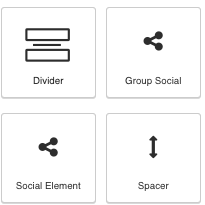
- Drag the “Group Social” icon into the email.
- Repeat for the “Social Element” icon.
- Click on the small settings gear.
- Select the specific social media icons necessary.
- Copy your social media link.
- Paste the link inside the small settings gear.
Step 3: Save email
- Click the save button.
Additional Email Designer support articles can be found at our Knowledge base.