
Creating sales order note types
Step 1: Code tables
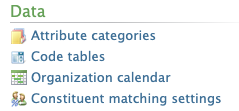
- Login to Altru
- Click on “Administration”.
- Click on “Code tables”.
Step 2: Create note type
- Click the dropdown.
- Click on “Ticketing”.
- Click on “Apply”.
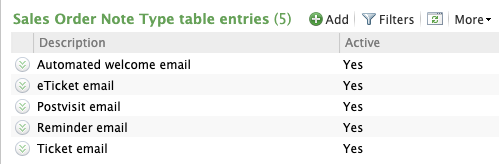
- Click “Sales order note type”.
- Click “Add” to add a new note type.
- Name the note type
Additional Email Designer support articles can be found at our Knowledge base.